

The Product Manager's Guide to AI Prototyping: Inputs, Levels, and the PRD
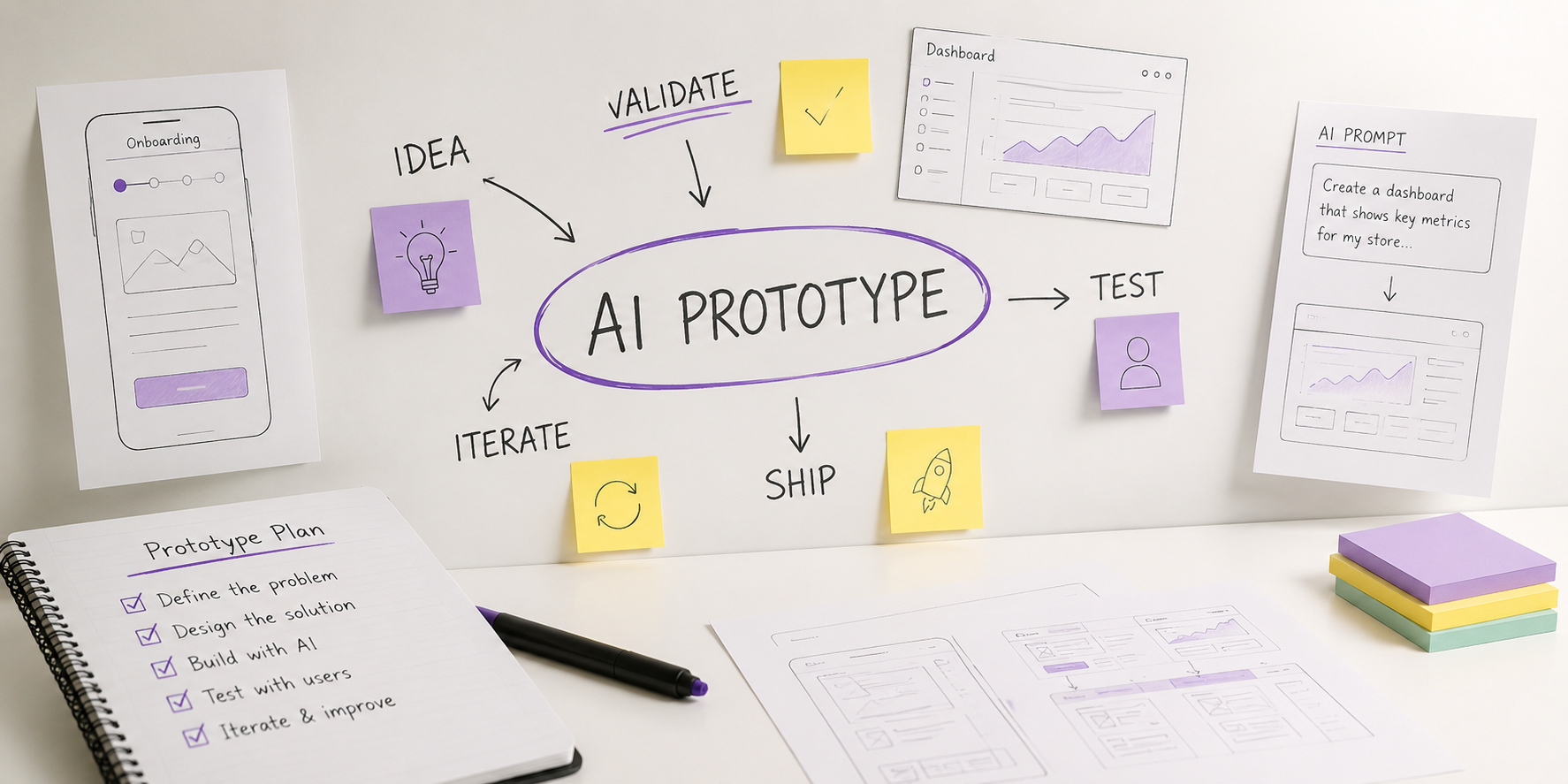
The tooling question is largely settled. A product manager with no engineering background can produce a working, clickable, deployed prototype in under an hour using any of a dozen tools. For most PM prototypes, tool choice is no longer the main constraint. The quality of the inputs increasingly matters more, and that is where the variance in outcomes now sits.
This is where AI prototyping for product managers gets misunderstood. The tools absorbed the production work — layout, component selection, state management, styling, hosting. They did not absorb the specification work, and they do not fail loudly when the specification is missing. They fill the gap with a confident default, and that default becomes the thing your stakeholders react to.
Three questions follow from that, and they are the ones PMs actually ask: what am I responsible for now, how formal do my inputs have to be, and where does the PRD sit relative to all of this.
What AI Prototyping Changes About the Product Manager's Job
The historical reason PMs did not prototype was cost. Producing an interactive artifact required design and engineering time, which meant it had to be requested, scheduled, and justified. That cost functioned as a gate. It forced the problem to be defined before anything got built, because nobody would schedule the work otherwise.
That gate is gone. Nothing has replaced it. The PM has to supply the definition that the scheduling process used to extract.
Here is the practical division of labor as it now stands:
What the tool supplies without being asked
Interface layout, component choice, and visual hierarchy
A working front end, and in most tools a functioning back end with storage and auth
Navigation structure and page-to-page flow
Placeholder content, sample records, and invented edge-case behavior
Deployment to a shareable URL
What only the product manager can supply
The specific decision the prototype exists to resolve
Whose workflow this is, and where in that workflow the user arrives
Data that resembles the customer's real data closely enough to produce real reactions
The rules that govern behavior at the edges — empty, over-limit, unauthorized, failed
The boundary between what is being proposed and what is being faked
The second list is the job. This is the same structural shift that is reshaping how PMs and product designers divide the work: artifact generation stopped being a differentiator, and the specification underneath it became the scarce input.
The four accountabilities AI prototyping tools do not absorb
Regardless of which tool you use or how the prototype turns out, a PM remains accountable for four things:
Naming the decision. A prototype that is not attached to a decision produces discussion, not resolution. If you cannot say what will be true after the session that was not true before, you are generating an artifact, not running a test.
Declaring the certainty level. Stakeholders read fidelity as validation. A polished prototype implies the thinking behind it has been done. You have to state explicitly what has been generated, what has been observed with users, and what is still assumption.
Owning the defaults. Every gap you leave gets filled by the model. Those choices are yours the moment you show the prototype to someone, because from that point forward they are what the team believes you proposed.
Preventing the artifact from becoming the spec. A prototype demonstrates one path through the product. Engineering has to build all of them.
The Four Levels of AI Prototype and What Each One Requires
The most common mistake in AI prototyping is treating every prototype as the same kind of object. A prototype built to sharpen your own thinking and a prototype built to hand to engineering are different artifacts with different input requirements, different definitions of done, and different failure modes.
There are four levels. The level is set by who sees the output and what happens next.
| Level | Question it resolves | Who sees it | Input formality | Done when |
|---|---|---|---|---|
| 1 · Sketch | Is this shape worth pursuing at all? | You, maybe one peer | A conversational paragraph | You can state the idea more precisely than before |
| 2 · Probe | Will a real user do the thing? | A small set of target users | Written brief: user, entry point, realistic data, scripted task | You have observed behavior, not collected opinions |
| 3 · Align | Do we agree on what we are building? | Exec, engineering, design | Brief plus explicit non-goals and open questions | The disagreement has surfaced and been recorded |
| 4 · Handoff | What exactly should engineering build? | The delivery team | Brief plus behavior rules and acceptance criteria | The prototype is annotated, not authoritative |
Two things are worth knowing about movement between levels.
Moving to a higher-consequence audience means upgrading the inputs. A Sketch that impressed people in a hallway conversation is not an Align artifact. Promoting it without writing down the non-goals is how a throwaway exploration becomes a committed roadmap item that nobody chose deliberately.
Dropping back down is normal. If a Probe returns behavior you did not expect, the correct response is usually to drop back to Sketch on a different shape rather than to refine the current prototype. The cost of restarting is now measured in minutes, which changes the economics of abandoning work.
How to choose the right prototype level before you start building
Ask one question: what decision does someone make after seeing this, and how expensive is that decision to reverse?
Nobody decides anything — Level 1
A user's behavior changes your problem definition — Level 2
A leader commits budget, headcount, or a date — Level 3
An engineer starts writing production code — Level 4
The formality of your inputs should track the reversibility of that decision, not the ambition of the idea.
The Five Inputs an AI Prototyping Tool Needs From a Product Manager
Across every tool class, the same five inputs determine output quality. They are listed in order of leverage — the first one changes the result more than the other four combined.
1. The decision the prototype has to resolve
Write one sentence before you write the prompt: this prototype exists so that [person] can decide [thing].
This is the input PMs skip most often, and skipping it produces a specific failure. Without a named decision, the model optimizes for completeness, because completeness is what "build me a CRM" implies. You get twelve screens, of which one is relevant, and the review session is spent discussing the eleven that are not.
A prototype also cannot resolve a question that your product strategy has not settled. If the team disagrees about which segment you serve, no interface will produce agreement — it will produce a well-designed argument about segmentation conducted in the vocabulary of buttons.
2. The user, the entry point, and the moment
Models default to a new user landing on a home page. Almost no meaningful product decision lives there.
Specify three things:
Who — role, seniority, and what they are measured on
Where they arrive from — an email link, a notification, a task they abandoned yesterday
What state the account is already in — 400 records, three teammates, a half-finished configuration
The difference in output between "a dashboard for account managers" and "the screen an account manager opens on Monday morning after the weekend sync flagged eleven at-risk accounts, sorted so the largest renewal is first" is the difference between a demo and a test.
3. Data that resembles the customer's real data
This input has an outsized effect on Level 2 prototypes and is the most common reason user tests produce nothing usable. Generated sample data is uniformly clean, evenly distributed, and short. Real customer data is messy, skewed, and long.
Supply, at minimum:
Real record volumes, including the case where there are zero and the case where there are thousands
Actual field lengths — the 90-character account names your enterprise customers use
The distribution that matters — if 80% of records sit in one status, the tool needs to know that
Terminology from the customer's domain, not the generic term the model reaches for
Users testing a prototype populated with tidy fictional data evaluate the design. Users testing a prototype populated with data that looks like theirs evaluate the product.
4. The rules at the edges: empty, limit, permission, failure
The center of any flow is easy to specify and easy for the model to guess. The edges are where the product's actual behavior lives, and the model will invent them.
For each screen that matters, define:
| Edge condition | What the tool needs told |
|---|---|
| Empty | What a user sees before any data exists, and what they should do first |
| Limit | What happens at the plan ceiling, the row cap, the quota |
| Permission | What a viewer sees that an admin does not, and how the restriction is communicated |
| Failure | What is shown when the request fails, and what the user can recover |
| Latency | Whether the result is instant, or whether the interface has to hold a wait |
These are also the conditions engineering will ask about first. Defining them at prototype time means the answers already exist at handoff.
5. The boundary between what is proposed and what is faked
Every AI prototype fakes something. The question is whether the faking is declared.
Write down three lists before anyone else sees the artifact: what is real in this prototype, what is simulated, and what is deliberately out of scope. Without them, the first stakeholder question — "so does it already do X?" — gets answered in the room, under pressure, by whoever speaks first.
How Formal Do the Inputs Need to Be?
Formality is not a matter of thoroughness or professionalism. It is a function of how far the artifact travels and how expensive it is to reverse the decision it informs.
The practical rule: the input has to be written down at the point where somebody other than you will act on the output.
Two observations from watching teams work this way. First, Level 1 and Level 2 are where nearly all the value sits, and Level 2 is the level most teams skip — they sketch, then jump straight to aligning executives around an artifact no user has touched. Second, formality at Level 4 is not documentation overhead. It is the work that would otherwise be done twice, once by you in the prototype and again by an engineer reverse-engineering your intent from a screenshot.
The defaults an AI prototyping tool will choose for you
Whatever you leave unspecified, the model resolves. It resolves confidently, and the resolution is plausible enough that reviewers rarely notice a decision was made at all. The recurring ones:
Permission model — everyone is an admin, because that produces the simplest interface
Scale — the happy middle, never zero records and never fifty thousand
Error handling — either absent, or a generic banner with no recovery path
Terminology — the industry-standard word, not the word your customers use
Workflow shape — a linear wizard, because linearity generates cleanly
Each of these is a product decision. When it arrives inside a prototype instead of a document, it enters the team's shared understanding without ever having been debated.
For where prototyping sits in the wider PM stack — discovery, specification, prioritization — see the best AI tools for product managers.
Which AI prototyping tool to use, based on where the prototype goes next
Tool selection matters less than input quality, but it is not irrelevant. The useful comparison is not what each tool can do, because those gaps are closing quickly and any capability list written today is wrong within two quarters. Figma Make added code layers, repository cloning, and live data connections. v0 added API routes, server actions, and database integrations. The categories that separated these products a year ago no longer hold.
What has stayed stable is destination. Ask where the prototype needs to live once you are finished with it, and the tool mostly selects itself:
| Where the prototype lives next | Tool class | Examples |
|---|---|---|
| Nowhere. It is discarded after the conversation | Chat artifact generators | Claude, ChatGPT |
| Inside your design environment and brand system | Design-native builders | Figma Make, Claude Design |
| In a Vercel and React product | Component and app generators | v0 |
| As a standalone full-stack exploration | Full-stack app builders | Lovable, Bolt, Replit |
| In an existing production codebase | IDE assistants | Cursor, Copilot |
Claude Design is worth separating from the rest of that row. It builds a design system from your codebase and design files during onboarding and applies it to every subsequent project, and its web capture tool pulls elements from your live site so a prototype uses the real product's surface rather than generic components. Both narrow the data-realism gap. It also packages a handoff bundle — the design plus the stated intent behind it — for implementation, which is the Level 4 annotation layer described later in this article expressed as a product feature rather than a discipline you have to impose yourself.
None of this changes the input requirement. A prototype pointed at the right destination with the wrong inputs still resolves nothing.
How the PRD and the AI Prototype Fit Together
The question comes up in every team that adopts these tools: is the PRD an input to the prototype, or is the prototype an output that belongs inside the PRD? Both are true, and which one applies at a given moment is set by the prototype level.
The mechanism worth understanding is that the direction of authority reverses between Level 2 and Level 4. Early in the cycle, the prototype generates content the PRD will eventually carry — you write the requirements partly from what you watched users do. Late in the cycle, the PRD constrains how the prototype is read, because the document is authoritative and the prototype is an exhibit inside it. Teams that do not notice the reversal end up running Level 4 with Level 2 authority: the prototype governs, and the PRD gets written afterward as a description of whatever happened to be built.
| Level | Does the PRD come first? | What the prototype contributes | What governs if they disagree |
|---|---|---|---|
| 1 · Sketch | No PRD exists | Nothing that outlives the session | Not applicable — nothing is committed |
| 2 · Probe | No — writing it first commits you to a solution before you have behavior evidence | Observed behavior, a revised problem statement, and the success criteria the PRD will carry | Observed behavior from the test. The prototype is only the stimulus |
| 3 · Align | Yes, a thin one: problem, segment, success metric, non-goals | The agreed shape, plus the disagreements it surfaced, written back into the doc | Neither by default — this is where the conflict gets resolved deliberately |
| 4 · Handoff | Yes, and it is authoritative | An annotated exhibit inside the PRD, not a parallel source of truth | The PRD, always |
Does an AI prototype replace the PRD?
No, but it changes what the document has to contain. The prototype settles questions of shape and sequence faster and more legibly than prose ever did, which makes the PRD shorter in some sections and requires it to be longer in others.
Sections the prototype makes shorter or removes entirely
Screen-by-screen layout description
Field inventories and form structure
Step ordering within a flow
Navigation and information hierarchy
Sections the prototype cannot cover, which now carry more weight
Edge and error behavior — the conditions from the table above
Non-goals, and the segments the solution deliberately excludes
Acceptance criteria, written so someone can verify them without you in the room
Data contracts, record volumes, and permission rules
The certainty state of every element: observed, agreed, or generated
Three things a prototype should never hand the PRD unchallenged: visual specifics presented as requirements, terminology the model chose rather than your customers, and the permission model it invented in order to keep the interface simple. Each of these passes into the document as a requirement if nobody stops it, because each arrives looking like a decision that has already been made.
When an AI prototype should not be treated as a spec
A prototype is a demonstration of one path. A specification is a description of all paths, including the ones nobody demonstrated. Confusing the two is the most expensive failure mode in AI prototyping, and it is more likely now precisely because the prototype looks finished.
The confusion has a structural cause. Before AI tooling, the artifact a PM could produce unilaterally was a document, so the document was where the specification lived by default. Now the artifact a PM can produce unilaterally is a working interface, and interfaces are more persuasive than documents. Teams substitute the persuasive artifact for the complete one and discover the gap during implementation, when it is expensive to close.
Treat the prototype as illustration and keep the specification separate whenever any of these are true:
The build will take more than a sprint
More than one engineer will touch it
The feature has permission, billing, or compliance behavior
Any part of the interface was generated rather than specified
The prototype will outlive the conversation it was built for
Under any of those conditions the separation has to be explicit, which is what the PRD is for. AI prototyping raises the document's value rather than lowering it, because it removes the sections that were always tedious to write and always ambiguous to read, leaving the document to carry the rules, the edges, and the criteria for done.
What to write down before engineering sees the prototype
A short annotation layer prevents most of the downstream cost. Before handoff, record:
The decision this prototype already settled, and who settled it
The elements that are illustrative — spacing, copy, colors, icon choices — and therefore not binding
The elements that are specified — the flow order, the field set, the states — and therefore binding
Every edge condition from the table above, written as an acceptance criterion
What was faked, and what has to exist for it to be real
The open questions the prototype did not answer
Six lines of annotation is usually enough. The purpose is not documentation completeness. It is removing the ambiguity that otherwise gets resolved by an engineer guessing at your intent, three weeks later, without you in the room.
I coach Product Managers and product leaders 1:1 on the judgment this article describes: deciding what an artifact is for, what it proves, and what it is not allowed to settle. Sessions work from your product and your constraints, not a curriculum.
Start a Conversation →The Input Is Where the Product Decision Now Happens
The framing that AI prototyping "democratized building" is only half right. It removed the production constraint. It did not remove the specification requirement — it relocated it, from a scheduled conversation with a designer or engineer into a prompt that a product manager writes alone, unreviewed, in a few minutes.
That relocation is what changed the job. The gate that used to force problem definition was other people's calendars, and there is no calendar now. What remains is the discipline of writing down the decision, the user, the data, the edges, and the boundary before generation begins, and of keeping the PRD as the authority once anyone is committing money or code to the result.
A useful test, applied before you open the tool: if you cannot write the five inputs in ten minutes, the prototype will not resolve anything, because the ambiguity is in the problem rather than in the interface. Building the artifact anyway does not remove that ambiguity. It gives it a user interface.